
Ideas to try
AI family portrait ideas: studio, outfits and travel themes
The setting can change the whole mood of a family portrait. A simple studio picture puts the faces first; a seasonal or travel-inspired theme tells a different story. Start with the people you want in the picture, then choose a scene that suits the idea.
By AI Family Maker · Updated
Decide who is in the portrait
AI Family Maker offers themes for a child on their own, a child with Mom, a child with Dad, and the whole family. Use the composition filters while browsing so the preview matches the people you want to include.
The same setting can feel different as a close portrait or a family scene. Look at the preview before choosing a theme, and begin with the composition that matters most to you.
Keep one simple studio portrait
Photo studio is a useful place to begin if you want a clear portrait with less emphasis on the setting. It also gives you a simple favorite to keep alongside more elaborate themed creations.
Choose the parent photos first and review the framing. When exploring, change one creative choice at a time so it is easier to decide what you enjoy. Each generation is a new image, so a different theme is not a precise edit of an earlier result.
Try a seasonal mood or dressed-up look
Browse for a warm outdoor mood, a winter scene or a dressed-up portrait. Think about the feeling you want: relaxed, celebratory, cozy or playful. The theme preview is your guide to the outfits and surroundings included in that look.
You do not need matching clothes in the two uploaded photos to choose a themed scene. Clear, unobstructed faces are still the best starting point for the photo selection process.
Imagine a place you would like to visit
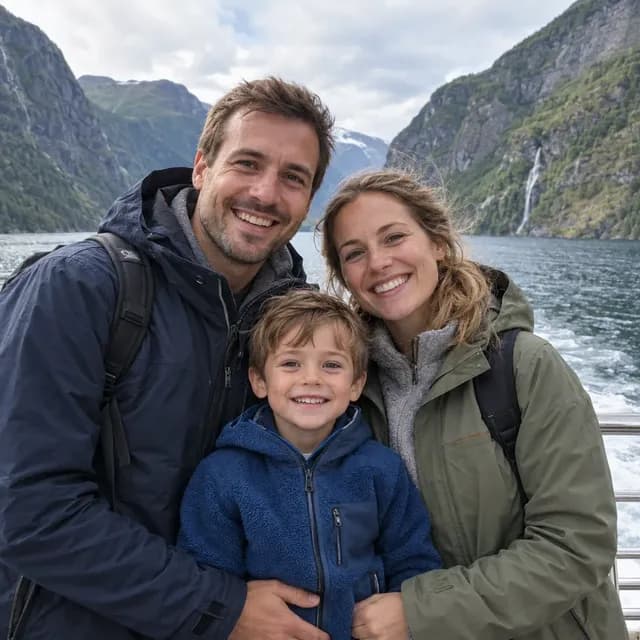
Travel-inspired themes can turn a portrait into a small story. Explore garden settings, city scenes or snowy landscapes in the theme library. For something more playful, browse the fantasy and adventure looks too.
A generated travel portrait is an imagined scene, not a record of a trip. If you post it, describe it as an AI-made picture so friends understand what they are seeing.
Make a small collection of favorites
A simple way to explore is to choose a studio portrait, an outdoor look and one imaginative theme. Review the credit cost before each creation, especially when switching from Standard to HD or 4K. Current plan and credit-pack prices are on the Pricing page.
Save the pictures you like from My photos, or use the share studio to present a favorite. Ask the other person before sharing images that include them. All portraits are AI-generated for entertainment, not predictions of a real child's appearance.
Ready to try a portrait?
Add two photos, explore a theme and review the credit cost before creating.
Create a photo